Your last set, in sight.
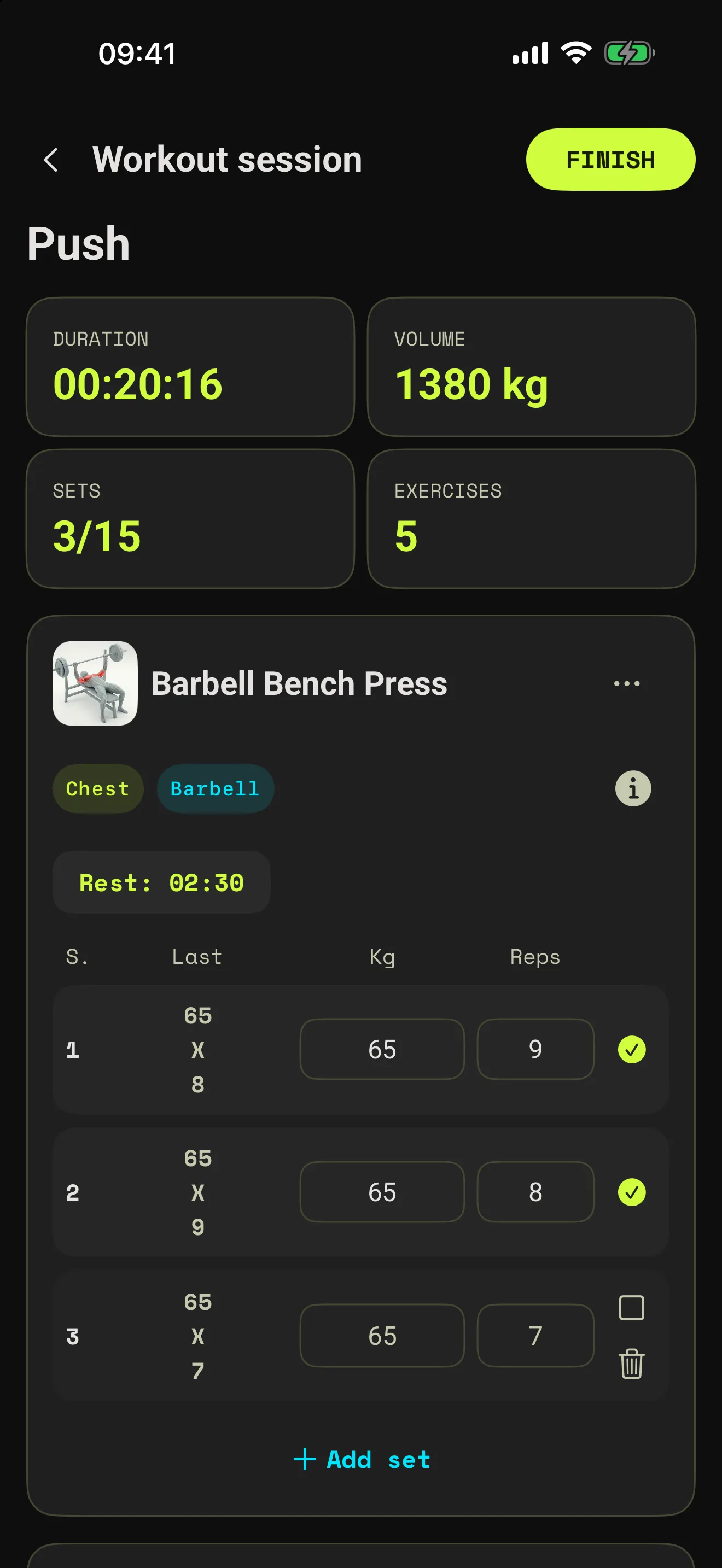
See previous weights and reps while you log your next set.
 KYLOG
KYLOGYour gym tracker & routine planner
Plan your gym workouts, log weights and reps, and follow your strength training progress with Kylog.
iOSComing soon
AndroidComing soon
Built for the work you put in.
Plan your session. Find your rhythm. See what changes.
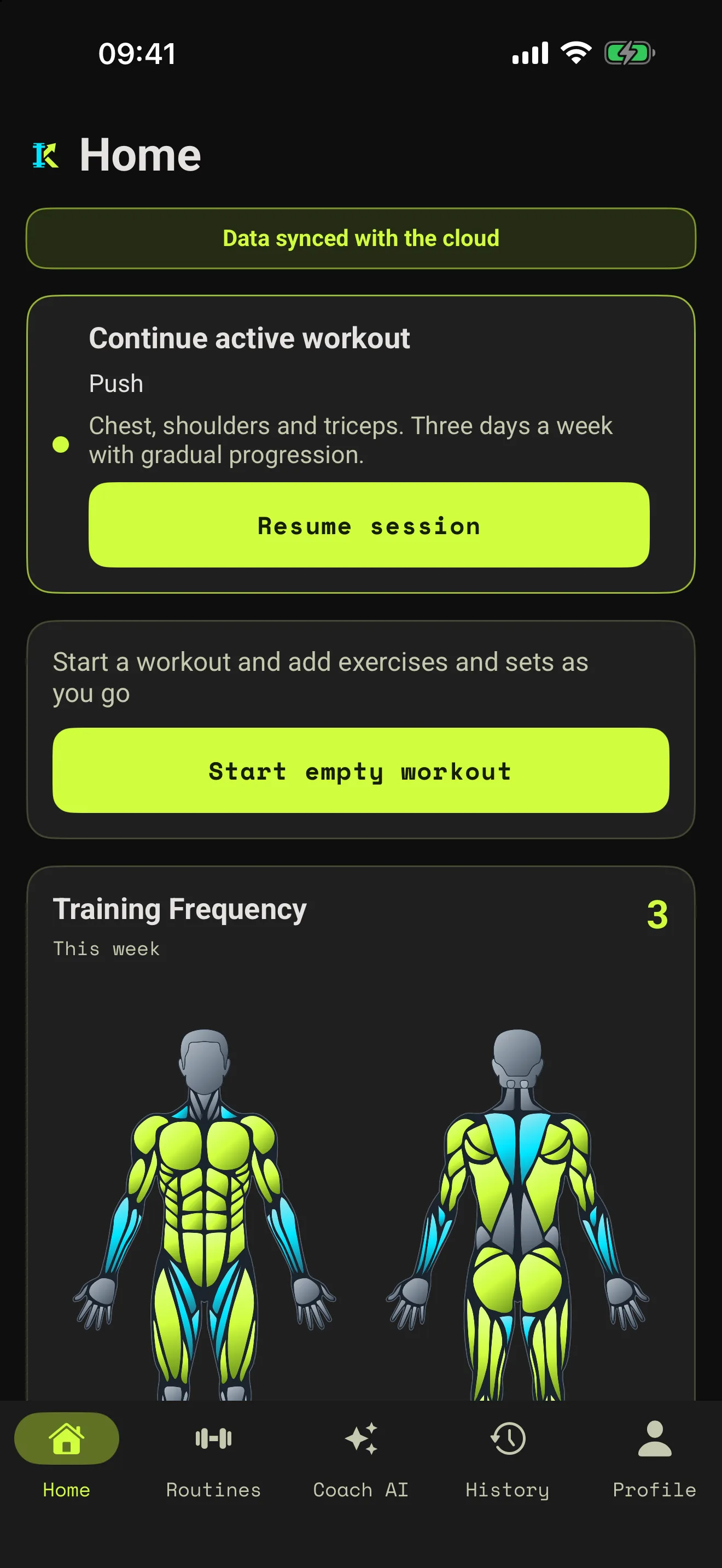
Real iOS app screens · Demonstration workout data
One app. Your whole training journey.
From choosing your exercises to looking back at a personal best. Keep every part of your strength training connected.
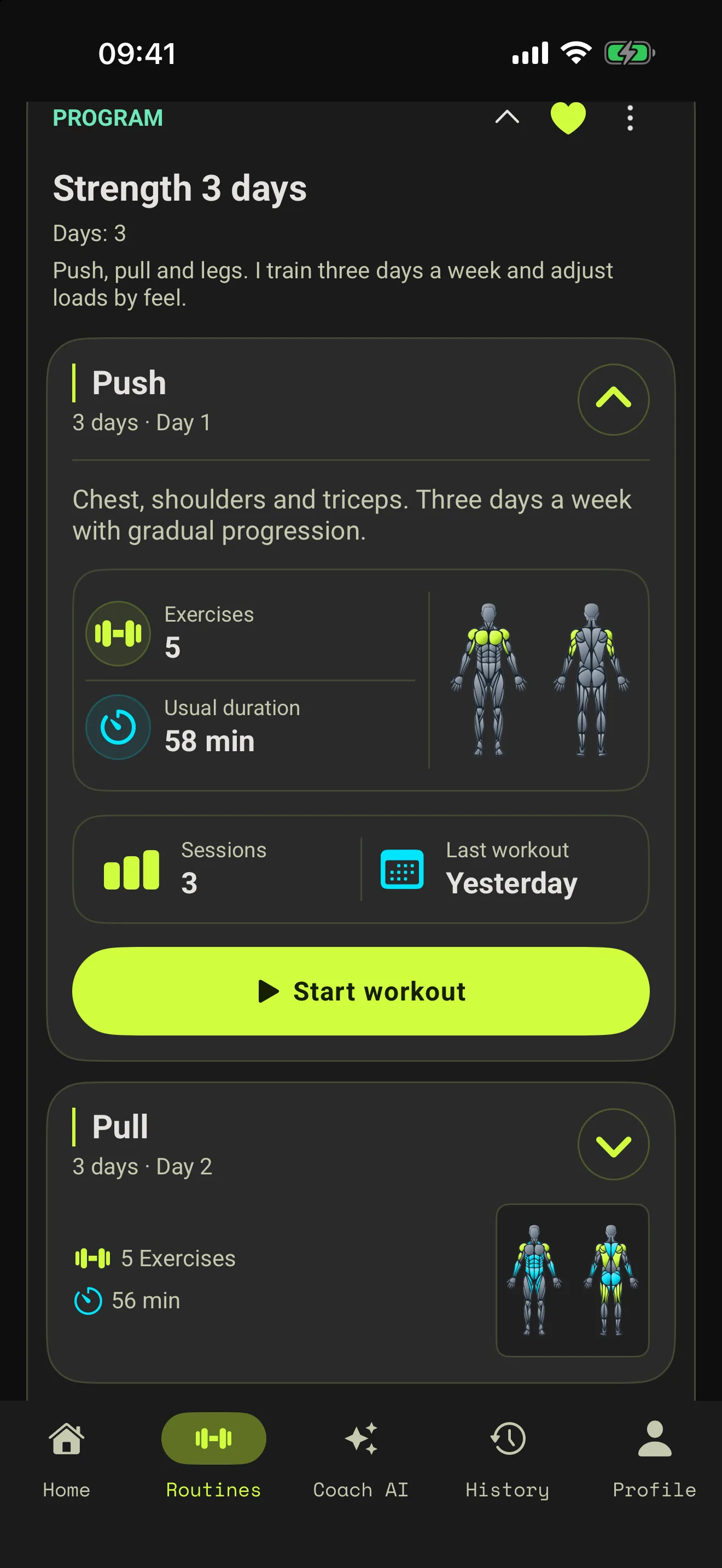
01 / Workout routine planner
Start with a ready-made routine template or build your own. Organize training days into a program, choose your exercises, and keep your favorite routines ready on Home.
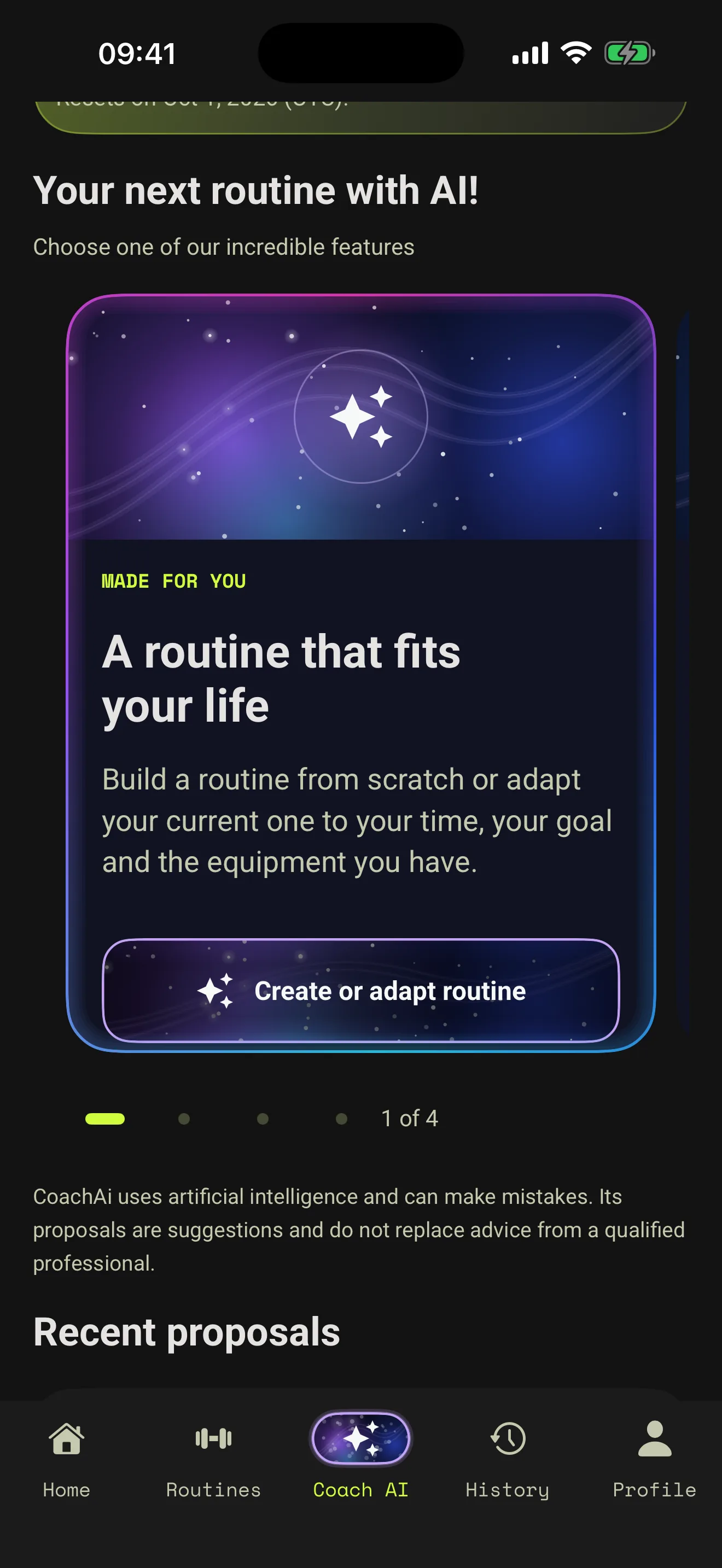
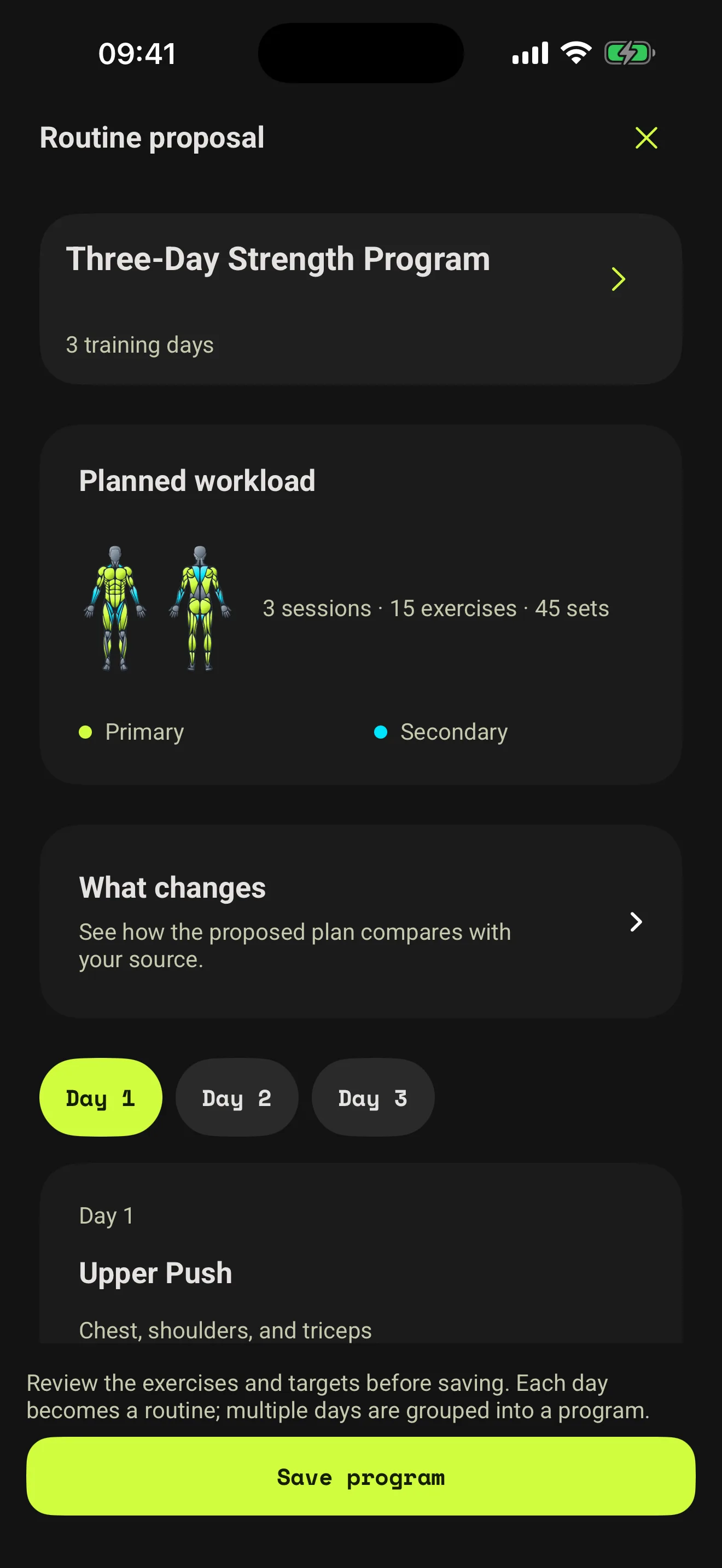
Meet Coach AI
Create or adapt a routine around your goal, available equipment and training days. Coach AI brings you a proposal to review, with the exercises and planned workload in one place.
AI proposals are suggestions. Review the exercises and targets before saving.
02 / Gym workout tracker
Log weights, reps and timed sets with your previous performance right beside you. Check off a set, catch your breath, and let the rest timer handle the countdown.
Learn how to log a workoutSee previous weights and reps while you log your next set.
Add time, shorten the break or skip it. Follow your session on your lock screen.
Log workouts offline. Your account sync catches up when you’re connected again.
03 / Strength training progress
A little more weight. Another rep. One more session. Give the work you put in a place to add up.
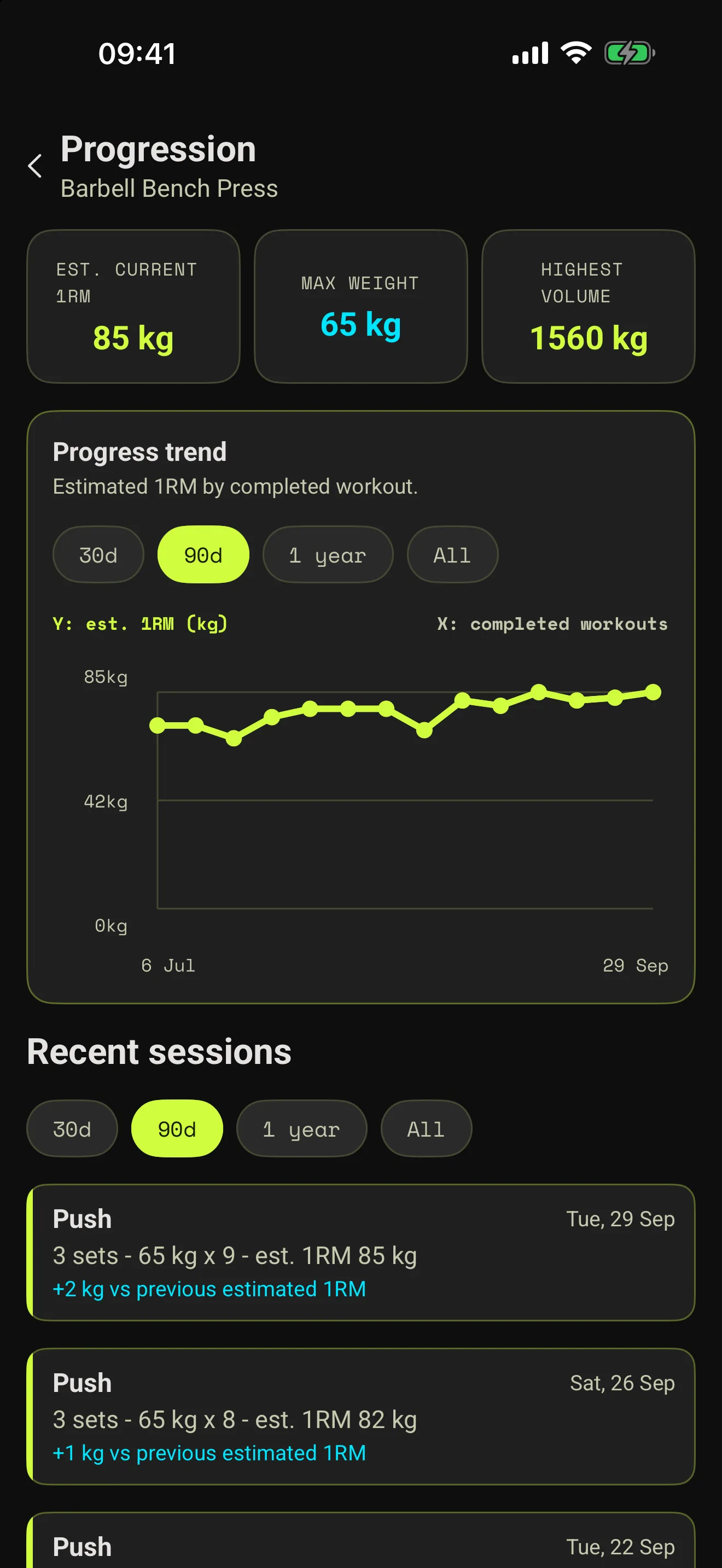
Follow each exercise with estimated one-rep max trends, maximum weight and recent sessions.
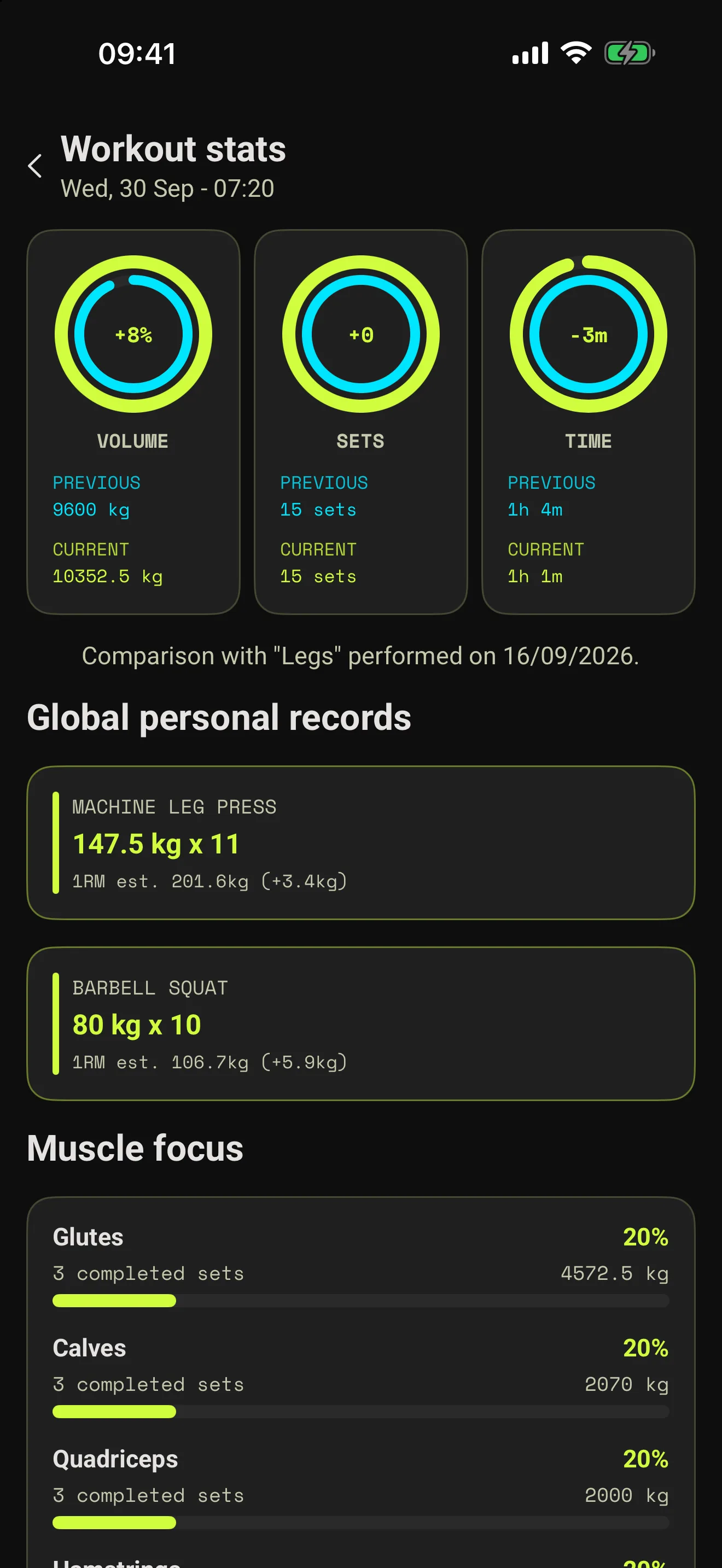
Compare volume, sets and training time. See personal records and how your effort breaks down by muscle.
Real iOS app screens · Demonstration workout data
Understand your workout progress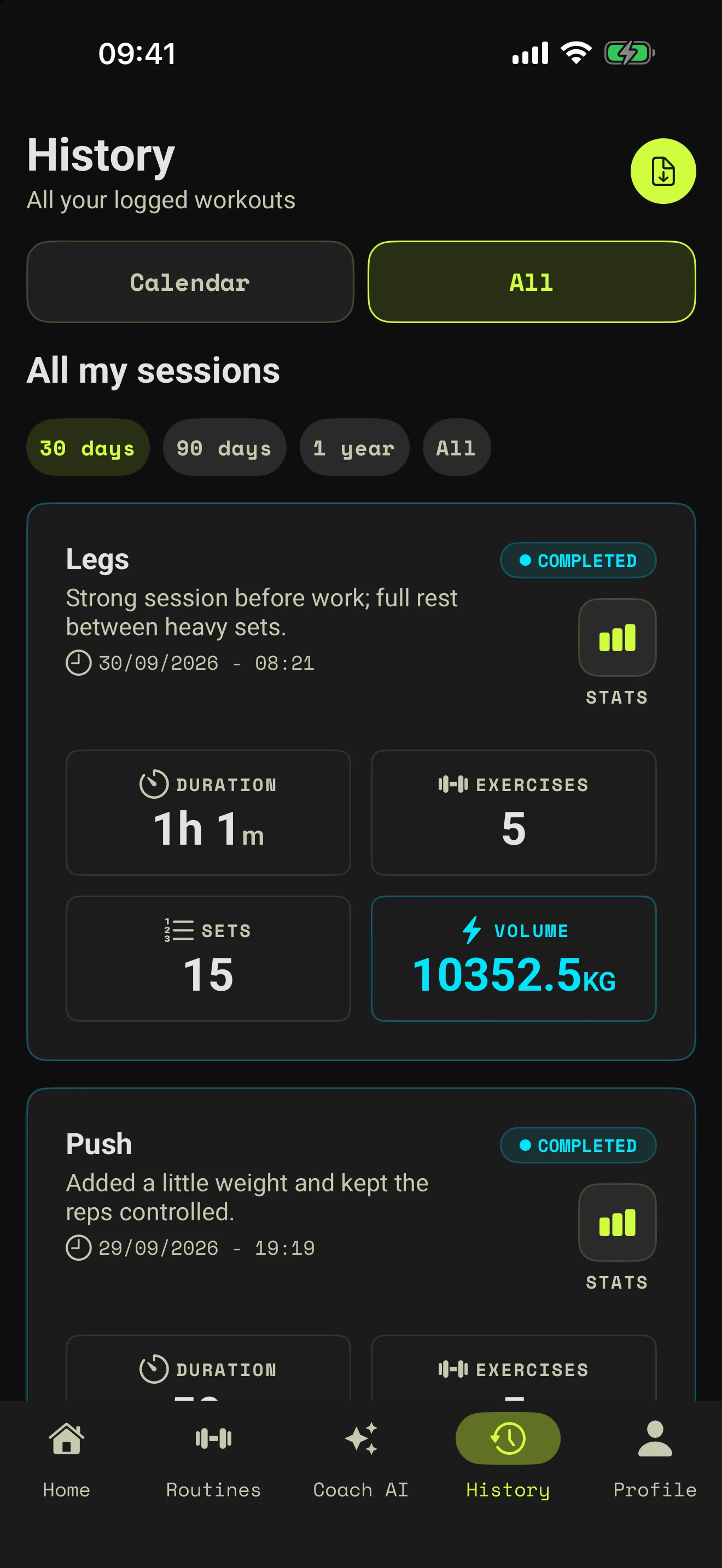
Your workout history
Find your completed workouts in a calendar or list. Revisit the exercises, sets and volume, and pick up the thread of your training.
04 / Workout sharing
Turn a completed workout into a card, or put your stats over your own photo or video. Your session. Your style. Your story to share.
Explore workout sharing
Yes. Start with a routine template when you’re not sure where to begin, then log your workouts as you train. You can also build your own routines.
Yes. Build a routine with your exercises, organize your training, and reuse it for your next session. Favorite routines appear on Home, and you can also save a completed workout as a routine.
Log weights, reps and timed sets. See workout volume, training time, muscle focus and personal records, then follow your exercise progress over time. The Progress overview also brings together lifetime volume, sessions, streaks and your best lifts.
Yes. Choose a workout design or add a minimal, performance or streak card to your photo, with a light, dark or lime theme. You can also overlay your workout stats on a short video, adjust the frame, trim the clip and keep or mute its sound.
Yes. Completing a set starts its exercise’s configured rest timer. Add or remove 15 seconds, or skip the break when you’re ready. Your session and rest countdown are also available on your lock screen.
Yes. Workout logging uses data stored on your device, so you can keep training offline. Account sync catches up when a connection is available; the status on Home shows whether data is synced, pending or needs attention.
Your next session starts here
Your gym tracker and routine planner. Ready for the work ahead.
iOSComing soon
AndroidComing soon